录制 EED dump 文件
EED(EasyAR Event Dump)文件可用于抓取一些运行时的关键数据提供给 EasyAR 技术支持进行问题分析,例如一些跟踪器的跟踪结果、程序与 Mega 服务之间的网络请求等。通常在使用 EIF 文件 无法重现问题的时候使用。
使用开发者模式面板录制
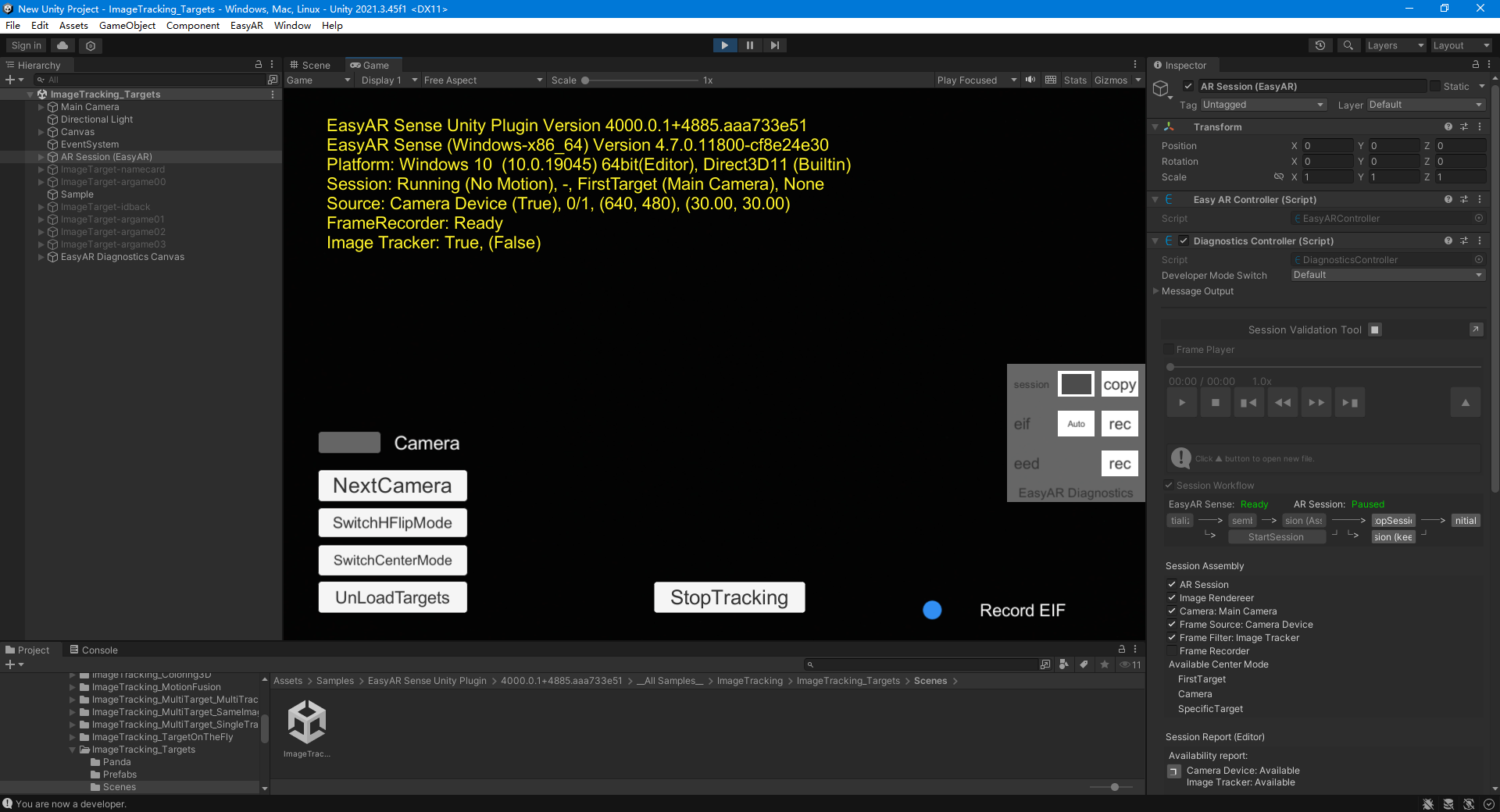
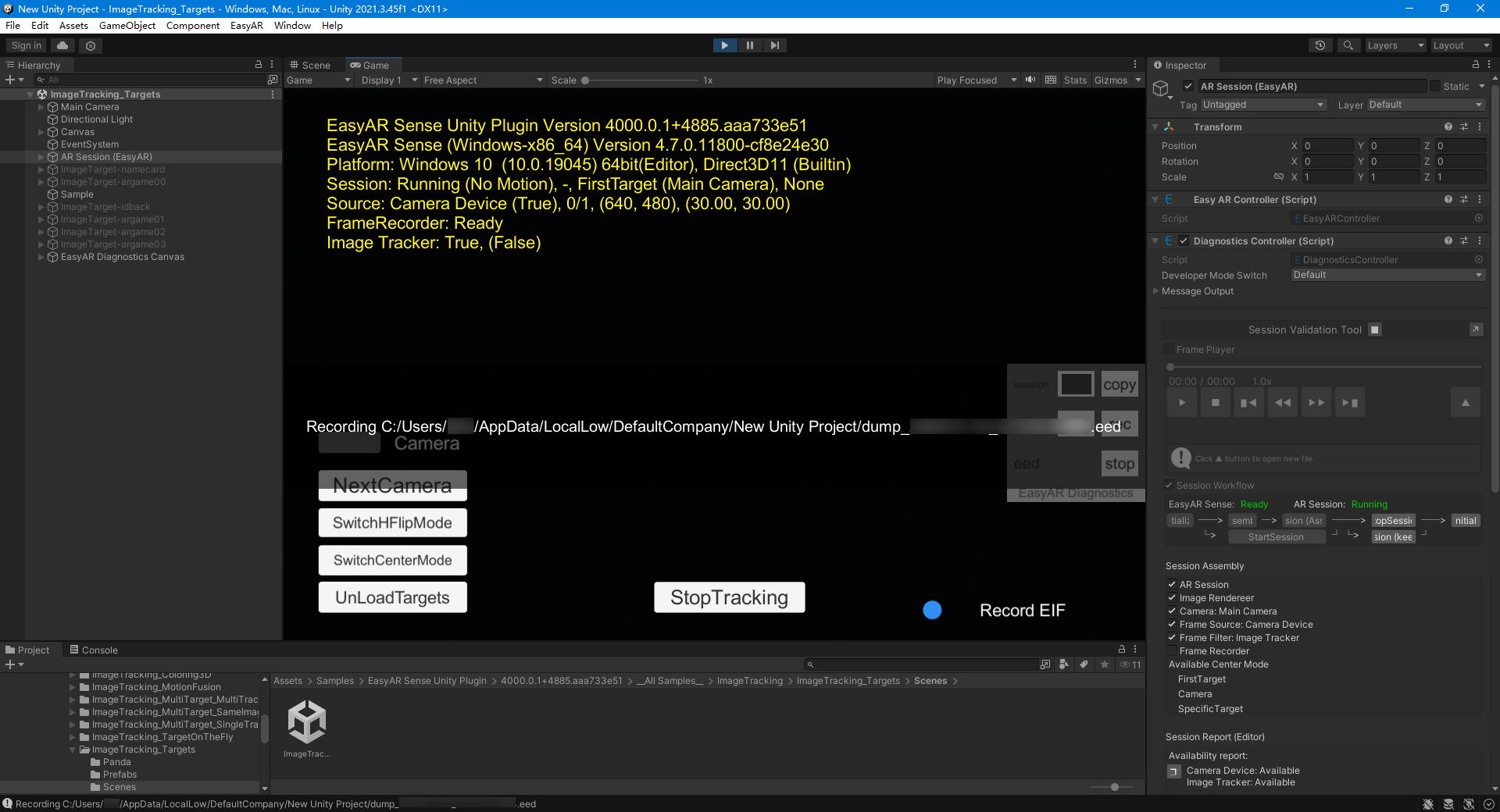
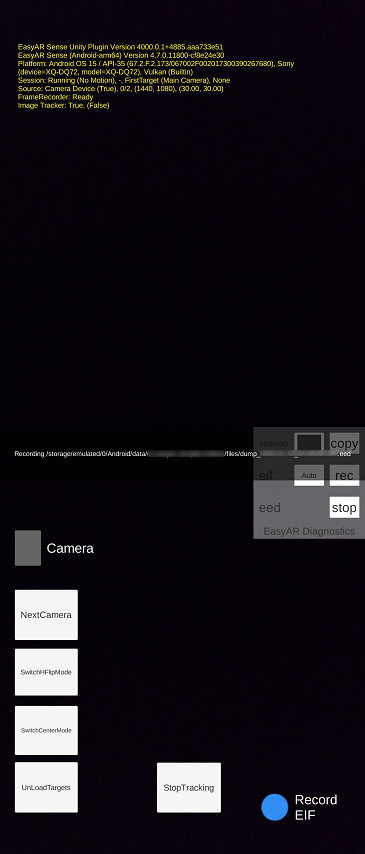
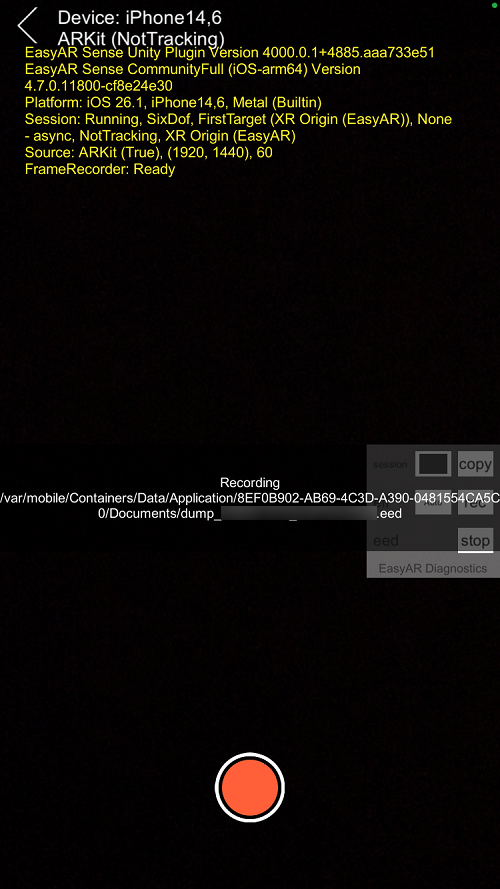
运行程序,然后打开 开发者模式诊断面板(默认配置下快速点击屏幕8次),点击 eed 的 rec,即可录制。进行问题复现,然后点击 stop 即可完成录制。
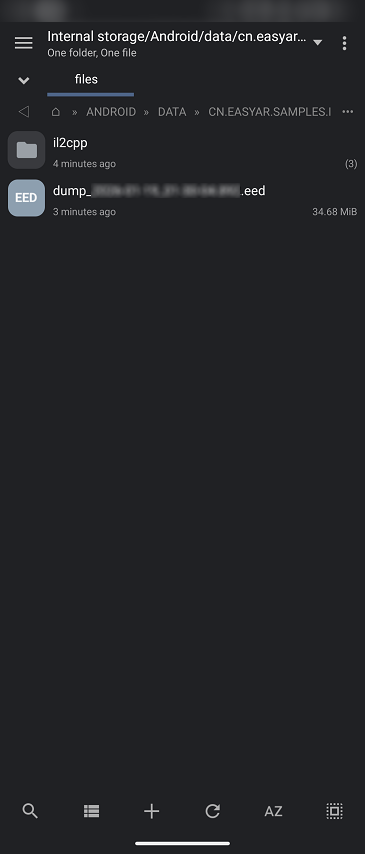
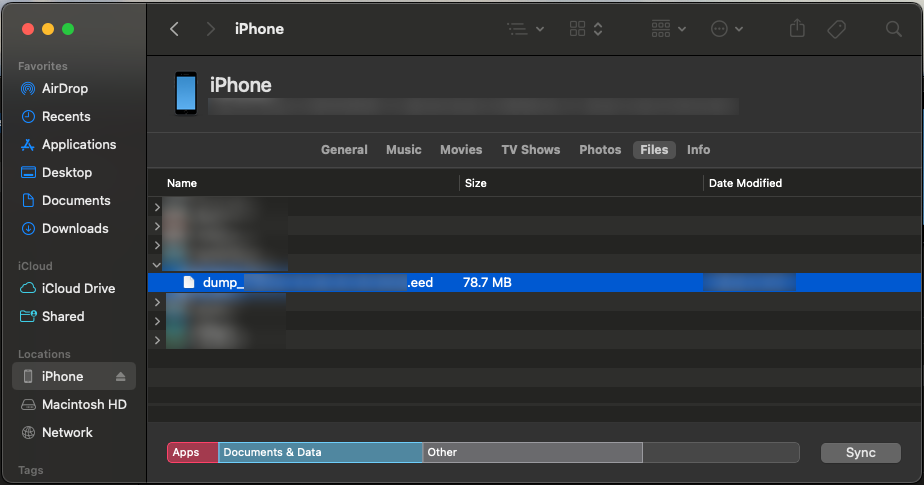
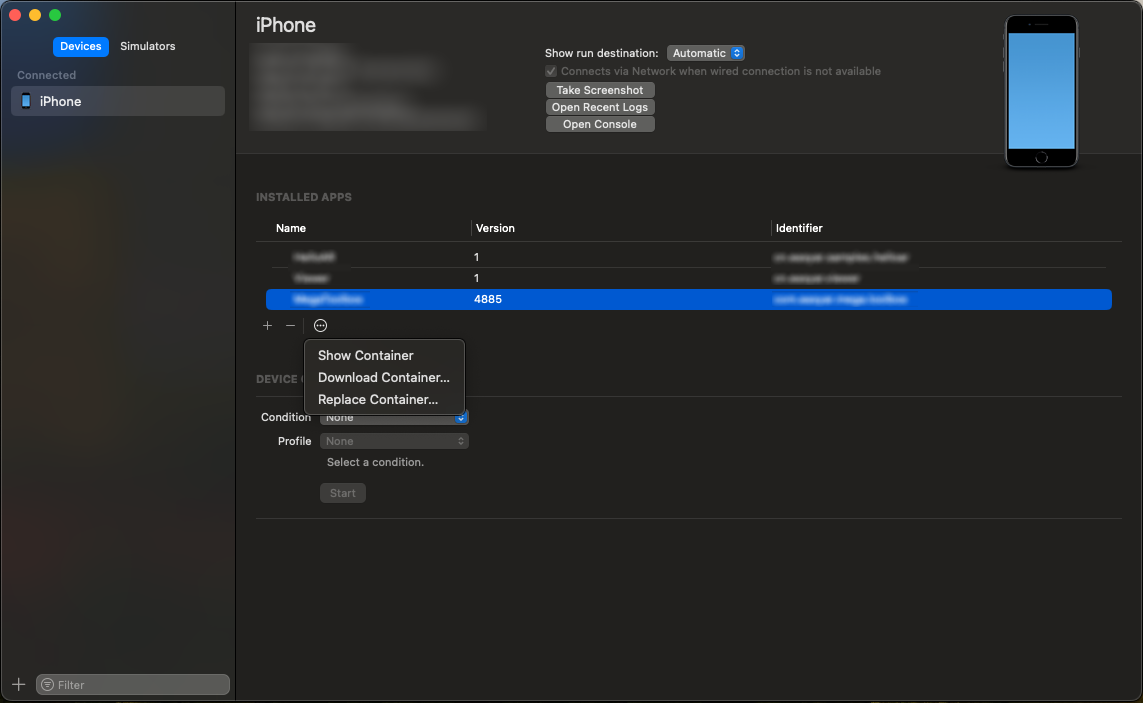
录制得到的 EED 文件路径会在录制时显示。
使用脚本录制
可以使用 EventDumpRecorder.start(string, int) 开始录制 EED 文件,使用 EventDumpRecorder.stop() 停止录制。
比如,下面的代码展示了如何在脚本中录制 EED 文件:
EventDumpRecorder eedRecorder;

bool RecordEED(bool on)
{
    if (on)
    {
        if (session.Assembly == null || session.Assembly.Display == null) { return false; }
        var path = Path.Combine(Application.persistentDataPath, DateTime.Now.ToString("yyyy-MM-dd_HH-mm-ss.fff") + ".eed");
        eedRecorder = EventDumpRecorder.create();
        eedRecorder?.start(path, session.Assembly.Display.Rotation);
    }
    else
    {
        eedRecorder?.stop();
        eedRecorder?.Dispose();
        eedRecorder = null;
    }
    return true;
}